
Getting a PayPal account limitation can be frustrating—especially when your funds are suddenly frozen. The good news is that most PayPal limitations are preventable if you follow the right practices from the start. This guide explains why PayPal limits accounts and how you can avoid it completely.
Why PayPal Limits Accounts
PayPal uses automated risk and compliance systems. Accounts are usually limited due to:
- Unverified identity or business information
- Sudden increase in transaction volume
- High number of disputes or chargebacks
- Suspicious or restricted business activities
- Inconsistent account usage (location, device, IP)
Understanding these triggers is the first step to prevention.
1. Complete Account Verification Early
Many users wait until they receive a payment—this is a mistake.
What to verify immediately:
- Government-issued ID
- Proof of address (utility bill or bank statement)
- Phone number and email
- Bank account and card
✅ Verified accounts face fewer reviews and faster withdrawals.
2. Keep Your Business Activity Clear & Consistent
PayPal closely monitors what you sell and how you receive payments.
Best practices:
- Clearly describe products or services in invoices
- Avoid vague descriptions like “digital service”
- Make sure your activity matches PayPal’s Acceptable Use Policy
- Do not change business type frequently
🚫 Selling restricted items is one of the fastest ways to get limited.
3. Avoid Sudden Payment Spikes
A sudden jump in income looks risky to PayPal.
How to stay safe:
- Increase sales volume gradually
- Inform PayPal before running big promotions
- Use invoices instead of “Friends & Family” for business payments
📈 Stable growth = lower risk score.
4. Reduce Disputes & Chargebacks
Disputes signal poor buyer experience.
To minimize disputes:
- Deliver services on time
- Provide tracking for physical goods
- Respond to buyer messages quickly
- Clearly state refund and delivery policies
💡 Even winning disputes repeatedly can trigger reviews.
5. Use One Account, One Identity
Never:
- Create multiple PayPal accounts for the same purpose
- Use fake or borrowed information
- Access your account from constantly changing locations
🔐 Consistency builds trust with PayPal’s system.
6. Monitor Your Account Regularly
Log in weekly and check:
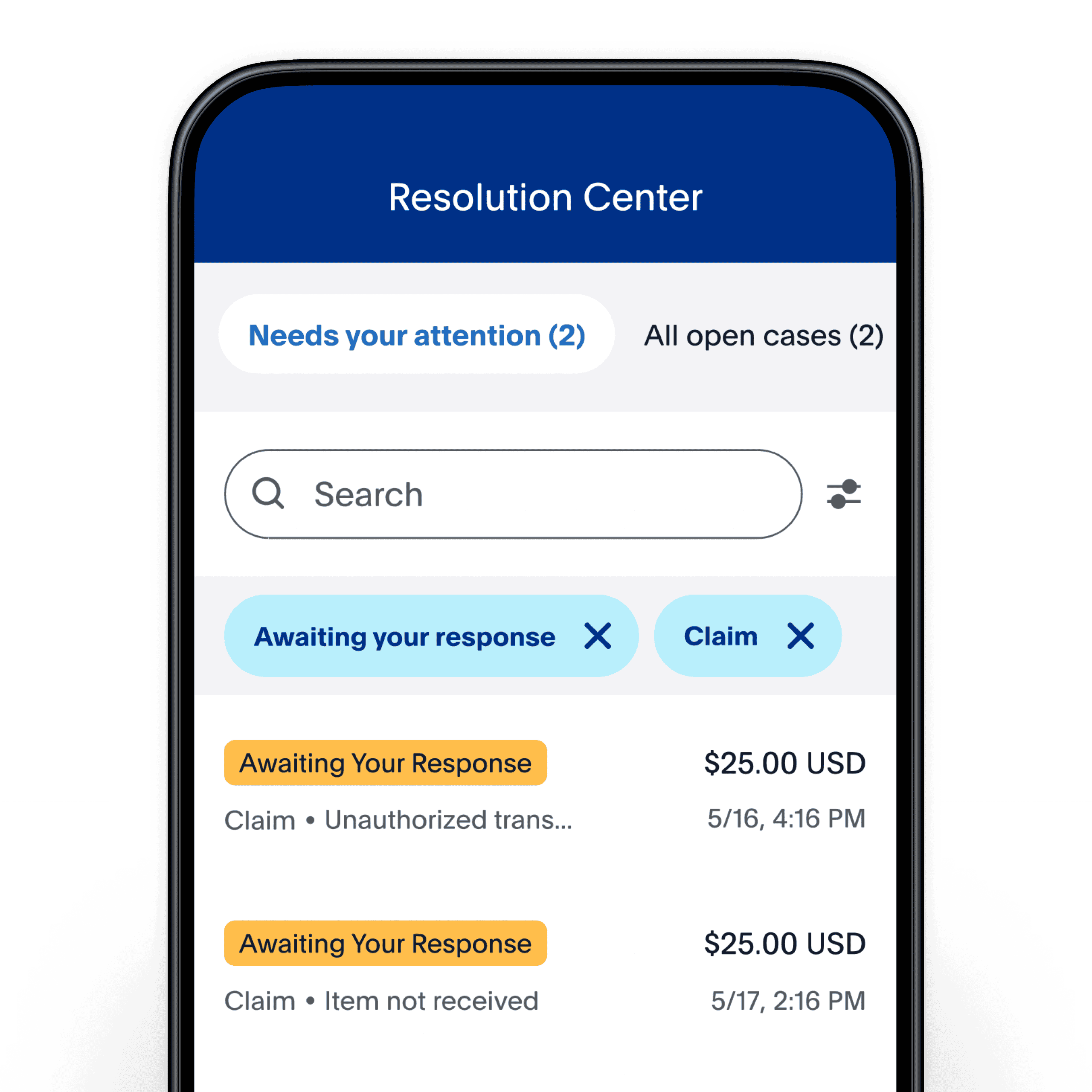
- Resolution Center notifications
- Emails from PayPal
- Requests for documents
⏰ Delayed responses often turn temporary reviews into full limitations.
Final Thoughts
PayPal limitations are not random—they are usually triggered by avoidable actions. By verifying early, staying consistent, and operating transparently, you can protect your funds and keep your account running smoothly.